
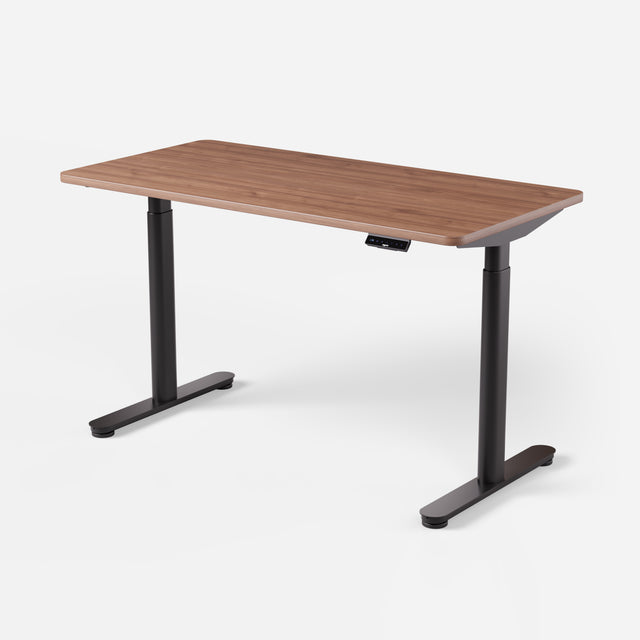
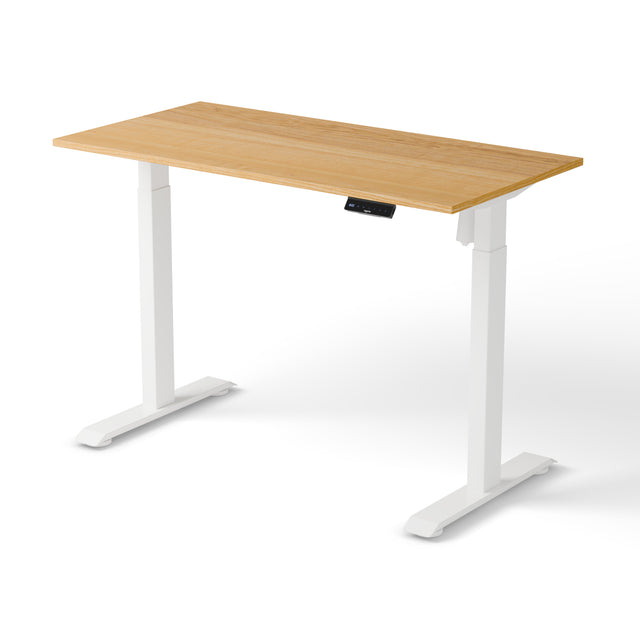



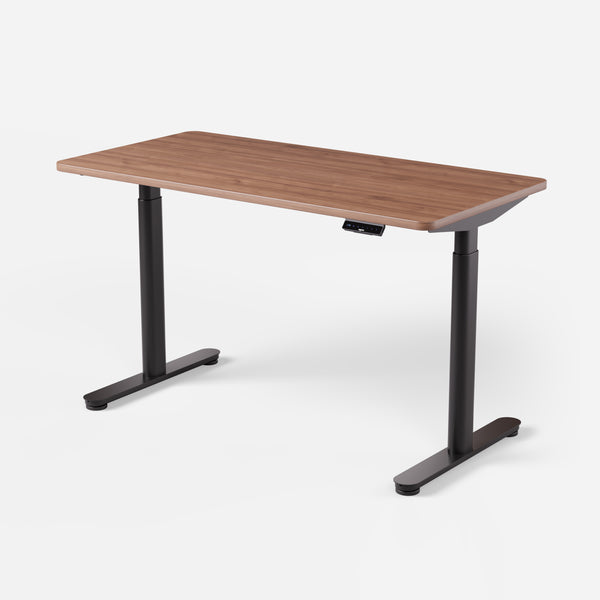
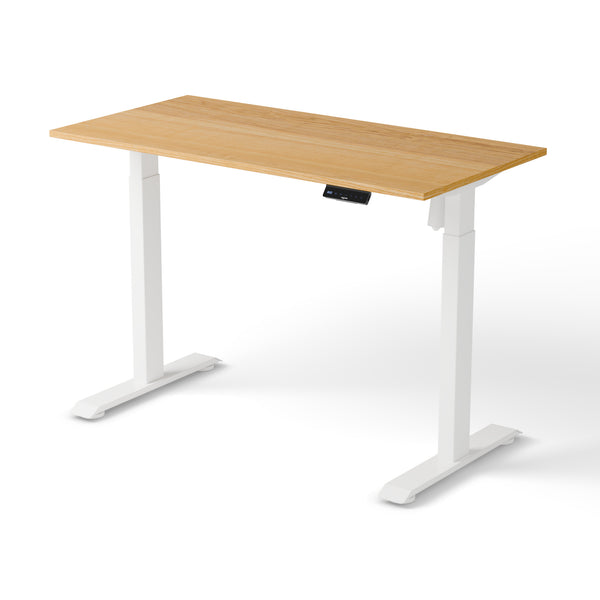
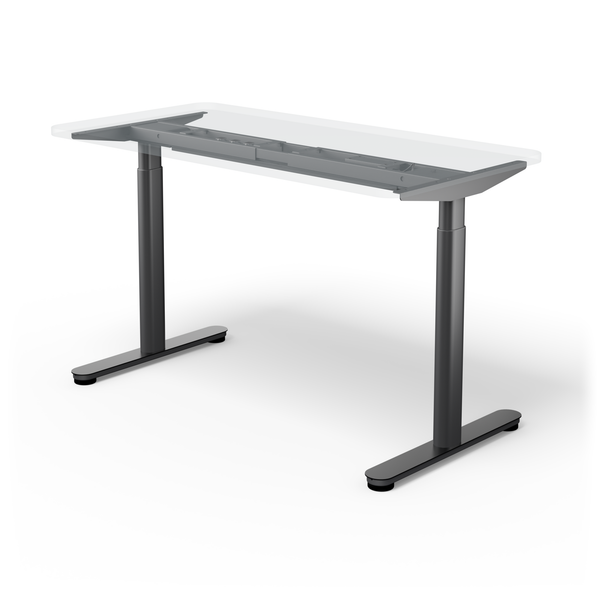
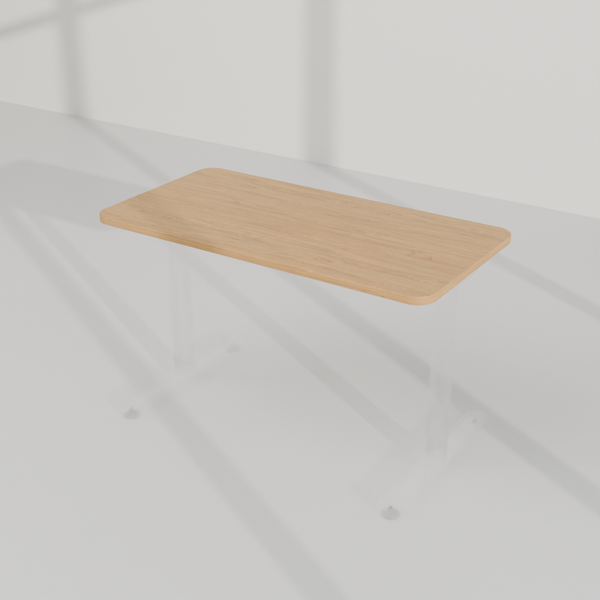



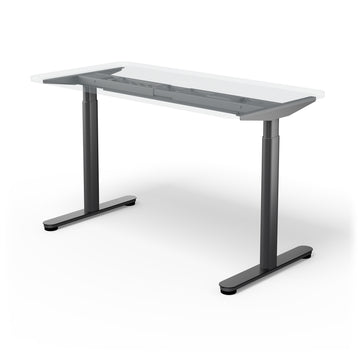
The written instructions are in the box.
Before you start:
- The boxes contain the instructions, all the bolts and a 4 mm Allen key. All you need of your own is a Phillips screwdriver and a tape measure.
- Assemble it on the floor, ideally on cardboard, so you don't scratch the tabletop.
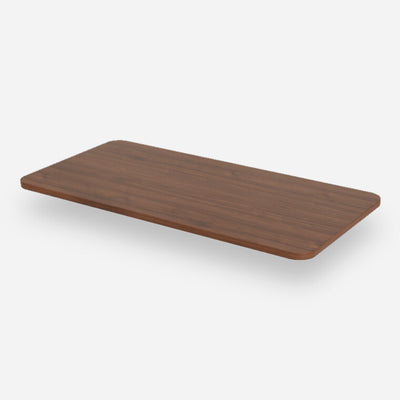
- You screw the frame to the tabletop while it lies upside down.
- The holes in the tabletop are already drilled, so there is nothing to drill.
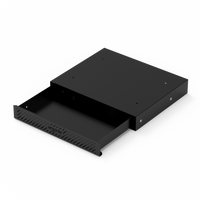
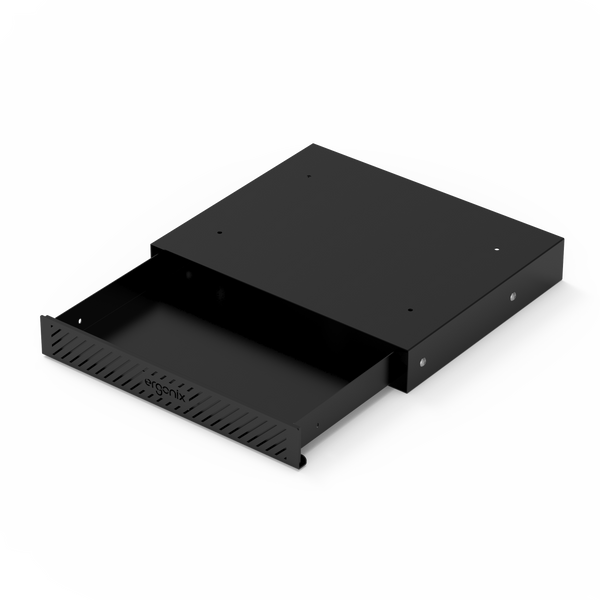
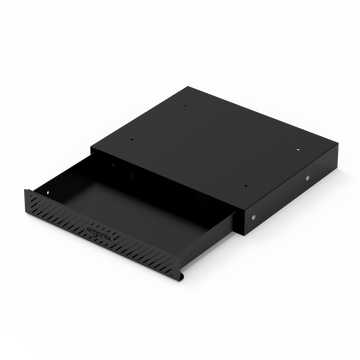
- If you bought the desk drawer, screw it on together with the frame while the tabletop is still upside down. You will need a drill for it: the tabletop has no holes for the drawer.
- It takes two people to turn the desk over, so arrange for someone to help from the start.
Step by step

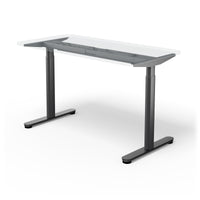
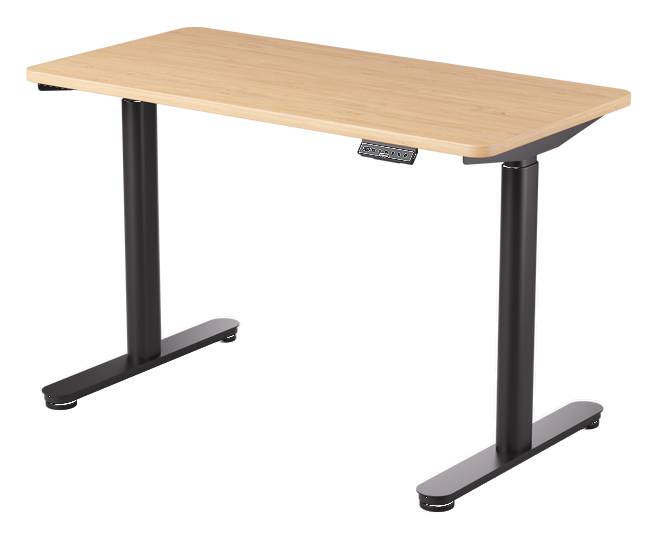
Join the crossbars and screw the lifting legs to them. Adjust the length to suit your tabletop. 
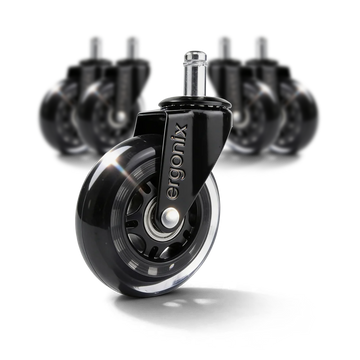
Screw the feet to the legs, then screw either the castors or the adjustable levelling feet into them. 
Place the assembled frame on the upside-down tabletop and screw it on. If you bought the drawer, screw it on now as well, while the tabletop is still upside down. 
Screw on the control panel and the power supply, and put the cables in the tray. Only then turn the desk over with another person and plug it in.
- Once it is screwed together, turn the desk over with another person and only then plug it in. It is too heavy for one person to turn, and the manufacturer does not allow it.
- Adjust the levelling feet so the desk stands level.
- First clear everything from under and around the desk: anti-collision protection is off during a reset.
- When you switch the desk on for the first time, you must reset it. Press and hold “down” until the desk goes all the way down. Let go. Press “down” again and hold it for about 5 seconds: don't let go early, or the reset will be interrupted. When “RST” appears on the display and it beeps, let go. The desk is ready.
- Only then set the memory positions: raise the desk to the height you want, hold “M” until “S-” appears, and press 1, 2, 3 or 4.
About the drawer: it fits tabletops of 140 × 70 cm and larger. You screw it with four screws into the tabletop itself, not into the metal frame. Do not overtighten the screws, or they will strip the board.
